HP (US)

Homepage



Awin works with thousands of businesses across different sectors to help grow their brands through affiliate partnerships.
Find out how they've seen success with Awin's platform.

Covering a wide range of online stores including DTC, department stores, fashion, beauty and technology.

From favorite brick-and-mortar brands to online-only retailers, our fashion vertical is extensive.

Everything from hotels and flights to day trips, tickets, excursions and experiences.

A range of financial services including banking, credit cards, insurance products and loans.

Covering telecoms and broadband services, cellphone providers, ticketing and many more.
Advertisers
Whether you're a small business ready to launch an affiliate marketing program and reach new customers or a global enterprise looking to enhance your online marketing, we have a plan for every unique need.
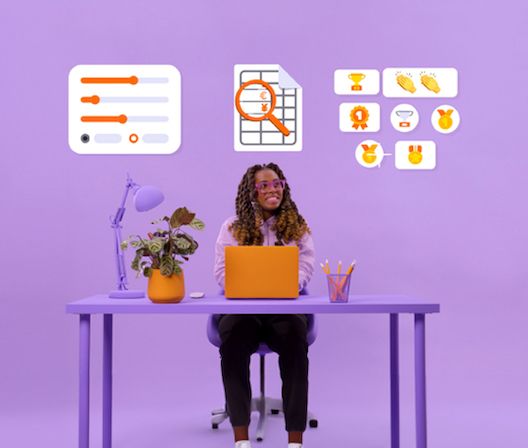
Awin Access gives you everything you need to launch a simple and cost-efficient, self-managed program without the hassle of a long-term contract.
You choose the commission to pay your affiliate partners as a percentage of the transaction value. The Awin tracking fee is an additional 2.5% of the transaction value.
For example, if you wish to pay 6% of the transaction value to your affiliate partners and the transaction was $100, $6 would go to the affiliate partner and $2.50 to Awin.
Please note – if you operate a business within finance or telecommunications where no transaction value exists, alternative rates will be shared.
Awin Accelerate gives you additional features to run a sophisticated program, with added automation to save you time on everyday affiliate tasks.
Awin Advanced gives you everything you need to run a data-driven program, with custom built reporting for comprehensive results and sophisticated optimization.
Publishers
We understand that every type of publisher is unique, and we believe in providing tailored solutions to help you maximize your earnings. Whether you're a content creator, editorial powerhouse, technology partner, or fall into another category, we have the tools to support your affiliate marketing success.

Stay up to date with Awin's latest news, events and announcements




Agencies
With a range of tools and resources at your disposal, our agency team ensures seamless onboarding and quick scaling of your clients' affiliate programs, leveraging robust data to benchmark performance and explore new partnerships.

Discover the latest trends and analysis from the online industry and Awin




Discover how senior marketers across the world are using affiliate partnerships to achieve their business goals today. Read the new affiliate marketing industry study conducted by Forrester Consulting on behalf of Awin.

The Seasonal Releases, will launch 4 times per year, showcasing the latest innovative features and tools (within the Awin platform and beyond) for our customers, whilst highlighting the benefits of implementing them in their affiliate journey. This ranges from solutions that'll allow you to discover partners based on your specific goals, all the way to plugins that'll simplify the process of tracking. We have successfully launched our first ever release recently, Winter 2024.

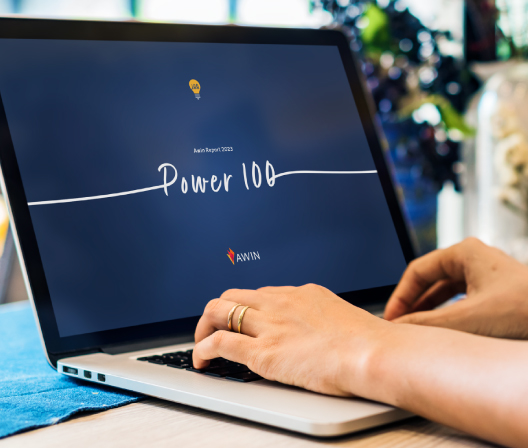
An industry first, the Awin Report 2023: Power 100 profiles some of the most-exciting partnerships on our global platform across every market and sector. Collectively generating $4.5bn in revenue and 53m sales for their advertisers in 2021 alone, let the #Power100 inspire, inform, challenge and amplify your own partner marketing efforts.